












































How to Keep Track of Customer Details as a Heating or Plumbing Sole Trader
- 1. The info you’re already trying to keep track of…
- 2. The three ways businesses keep customer data:
- 3. 01) Paper diaries and notebooks
- 4. 02) Spreadsheets
- 5. 03) A proper customer database (built for heating pros)
- 6. How to manage customer details in GES
- 7. How to migrate from spreadsheets to a digital CRM
- 8. Making Tax Digital means you’ve probably already got a customer list — just not a useful one
- 9. A practical next step
- 1. The info you’re already trying to keep track of…
- 2. The three ways businesses keep customer data:
- 3. 01) Paper diaries and notebooks
- 4. 02) Spreadsheets
- 5. 03) A proper customer database (built for heating pros)
- 6. How to manage customer details in GES
- 7. How to migrate from spreadsheets to a digital CRM
- 8. Making Tax Digital means you’ve probably already got a customer list — just not a useful one
- 9. A practical next step
Heating and plumbing businesses deal with countless customers every week, month, and year. There’s no way around it: gas service due dates, invoices, past job notes, and even simply contact details are incredibly difficult to juggle while managing the constant flow of work.
This guide covers where to keep customer details and how a digital CRM designed for heating and plumbing businesses helps you find what you need in seconds.
- 1. The info you’re already trying to keep track of...
- 2. The three ways businesses keep customer data:
- 3. 01) Paper diaries and notebooks
- 4. 02) Spreadsheets
- 5. 03) A proper customer database (built for heating pros)
- 6. How to manage customer details in GES
- 7. How to migrate from spreadsheets to a digital CRM
- 8. Making Tax Digital means you’ve probably already got a customer list — just not a useful one
- 9. A practical next step
- 1. The info you’re already trying to keep track of...
- 2. The three ways businesses keep customer data:
- 3. 01) Paper diaries and notebooks
- 4. 02) Spreadsheets
- 5. 03) A proper customer database (built for heating pros)
- 6. How to manage customer details in GES
- 7. How to migrate from spreadsheets to a digital CRM
- 8. Making Tax Digital means you’ve probably already got a customer list — just not a useful one
- 9. A practical next step
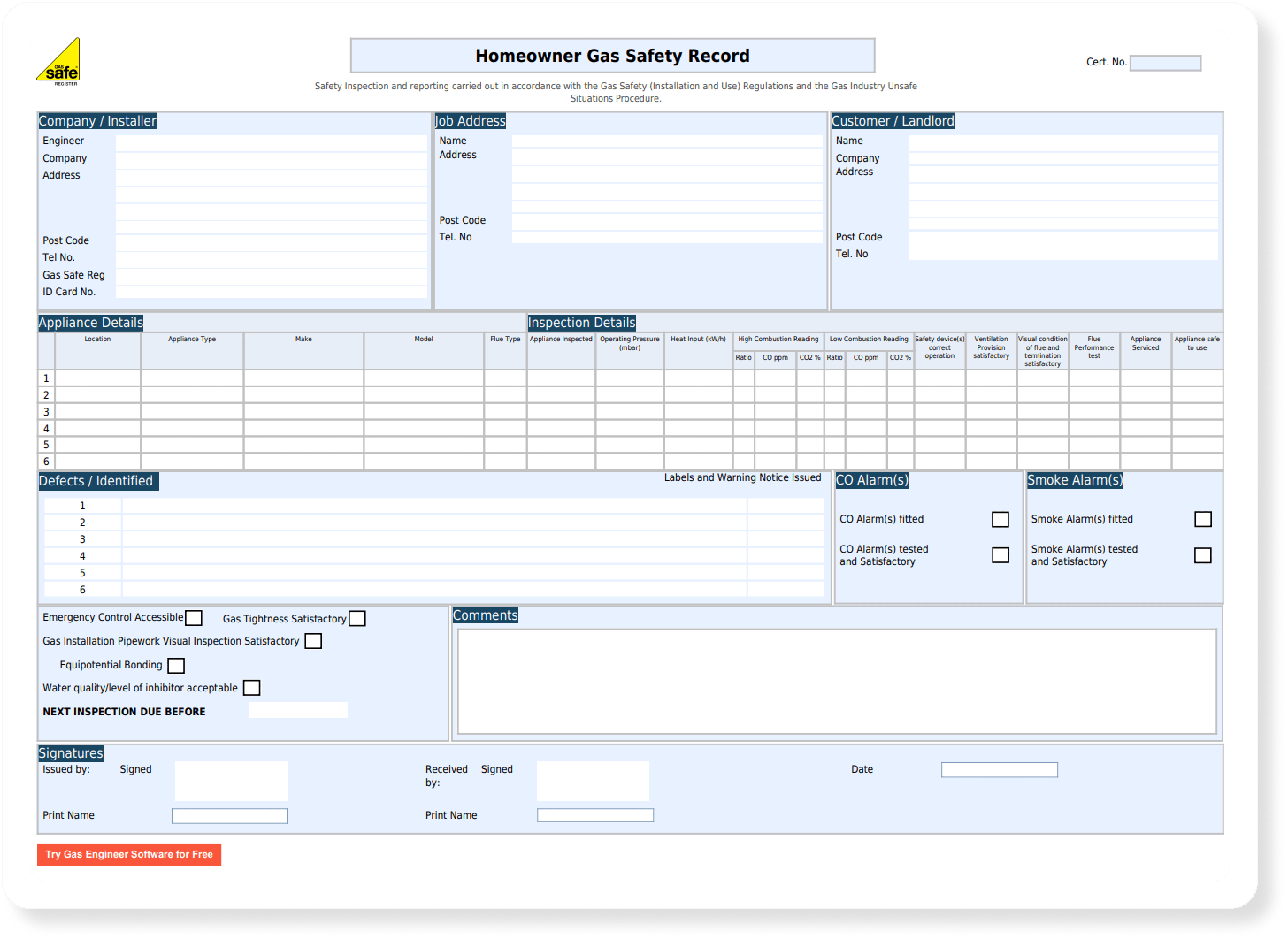
The info you’re already trying to keep track of…
You already know what needs recording. Names, addresses, phone numbers, gas safety due dates, job notes, the odd reminder about the nervous dog and so on. The problem isn’t figuring out what to track. It’s that the stuff you’ve got is spread across so many different places you can’t find what you need when you need it.
The three ways businesses keep customer data:
01) Paper diaries and notebooks
This is where almost everyone starts. You need somewhere to write things down, so you grab a notebook and off you go. It works for a while.
The cracks show up quickly though. Nothing’s searchable — if a customer rings about a job you did last summer, you’re flicking through pages hoping the name jumps out. Nothing’s backed up, and things like gas safety due dates become so hard to track you may as well not even bother.
02) Spreadsheets
Spreadsheets are a step up. Everything’s in one place, you can search and sort, and you can back it up to the cloud. But they’re still entirely manual.
You have to remember to update the spreadsheet after every job — which, after a long day, is the last thing you want to do. Add an extra engineer, and the complexity multiplies.
03) A proper customer database (built for heating pros)
A CRM built for the trade keeps your customer details, job history, certificates and service reminders in one place — and updates itself as you work. Gas Engineer Software is built for this specifically: certificates, invoices and reminders all live together in one app, bound together by your customer details.
How to manage customer details in GES
Start a free trial to see how it works for yourself. 14 days free, no card details required.
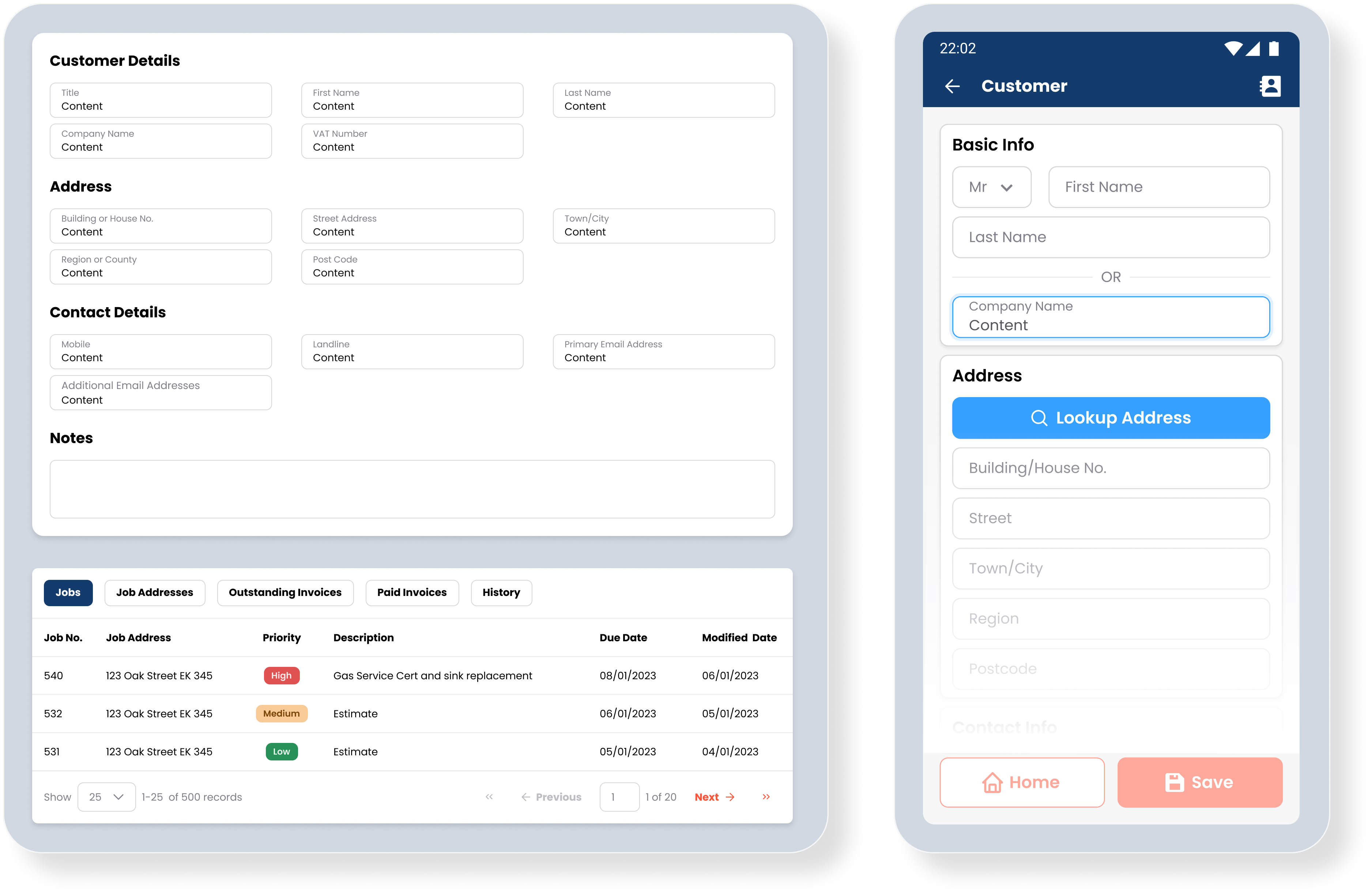
- Add the customer once. Name, address, phone number, email.
- Issue a certificate. Certificates, invoices, quotes and photos all save against their profile automatically.
- Service due dates update themselves. Issuing a gas safety cert automatically updates the next gas safety due date, and a reminder is scheduled.
- A clear history is kept. Every job, every document, every interaction — all visible in one place.
- Add notes against their profile. Stopcock location, elderly tenant, preferred contact time, etc.
- Find them in seconds. Search by name, postcode, phone number or address.
Most of the information you’d normally type into a spreadsheet is added for you as you work.
How to migrate from spreadsheets to a digital CRM
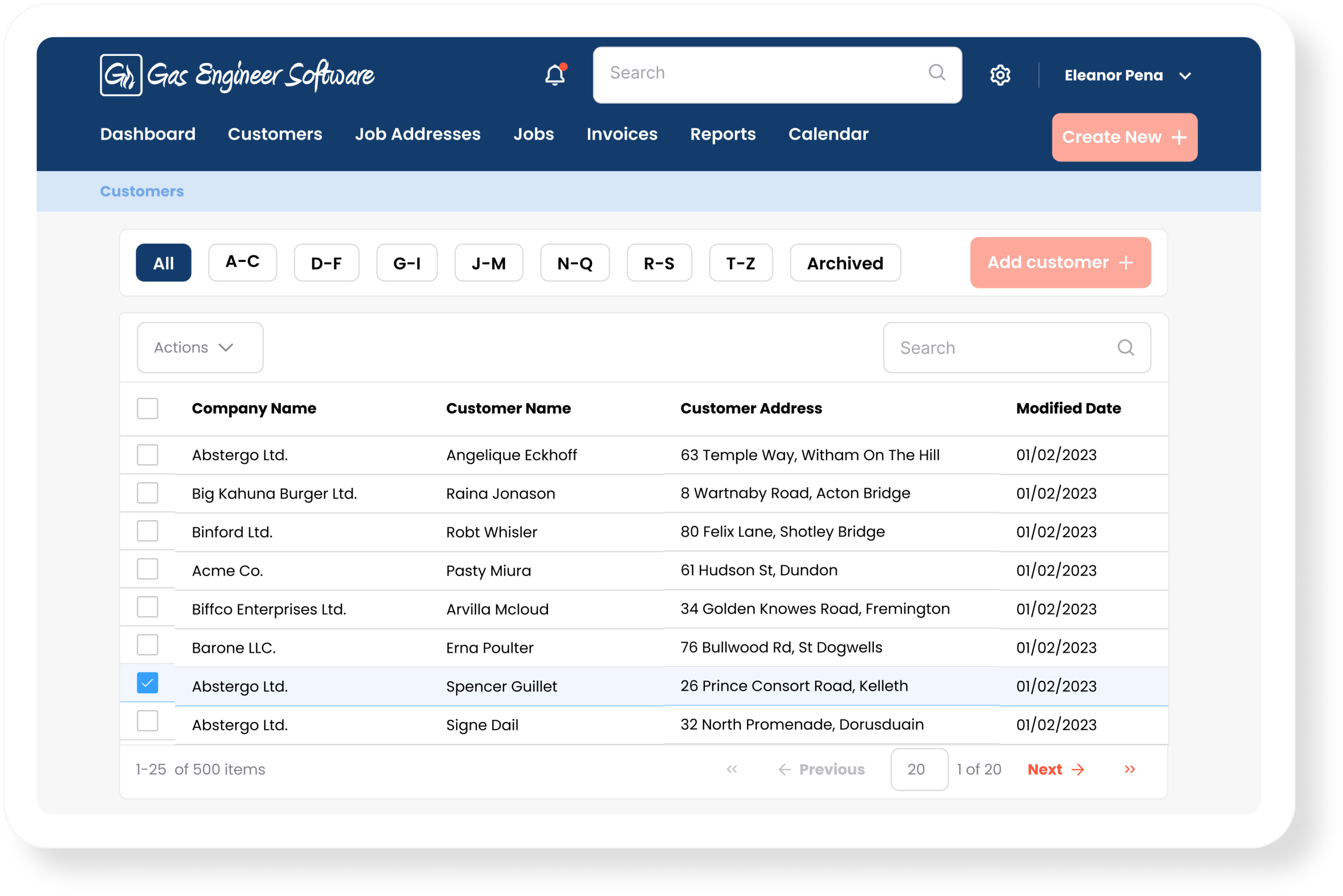
If you’ve been running on a spreadsheet, the move to a CRM is smaller than it sounds. Most heating and plumbing businesses are up and running within an afternoon. Here’s the order we’d suggest.
- Tidy the spreadsheet first. Delete duplicate rows, fix broken postcodes, and split any fields that have been merged into one column (address lines, for example).
- Match your columns to what the CRM expects. If you’re moving to Gas Engineer Software, our support team can help with this.
- Import in one go. Our team will upload the spreadsheet directly into GES and bring every customer across in a single batch.
A common worry is losing history during the move. You won’t — keep the original spreadsheet archived, and once you’ve checked everything’s come across, leave it there. Most engineers find that within a couple of weeks they don’t open it again.
Making Tax Digital means you’ve probably already got a customer list — just not a useful one
From April 2026, Making Tax Digital for Income Tax is live for sole traders over the £50,000 threshold. That means a growing number of heating engineers are filing through Xero, QuickBooks or Sage — and every customer you’ve invoiced is now sitting in a digital contacts list somewhere.
The problem: that list knows who owes you money. It doesn’t know when their last gas safety cert is due, which boiler is in the airing cupboard, or that you promised to come back in March to look at the radiator upstairs.
Gas Engineer Software is set up to help you with the new MTD rules. It connects to Xero, Quickbooks, and Sage, so the customer list you’re already building for tax purposes becomes the same list you use to run the job side of the business. One customer record, used for both. Updated once.
A practical next step
Getting started with a customer management platform like GES is quick and easy. If you already have a list of customers, we can help you import them in one go.
Start a free trial here to see how you could start keeping everything in one place.